Vidual Spaces
Cloud storage for studios that take craft seriously.
A stylish, friction-free home for your company’s whole work and the conversations around it — the paperwork, the shoot, the cut, the selects, the sign-off and the final send, everything in one lovely place, with no per-seat charges and no constant prompts to sign up from share links. Cloud storage, with style. That’s Spaces, by Vidual.
Fourteen days, no card required; bring one project, see whether it feels better.
 L1010785.jpg
 L1010792.jpg
 L1010796.jpg
 L1010810.jpg
 L1010819.jpg
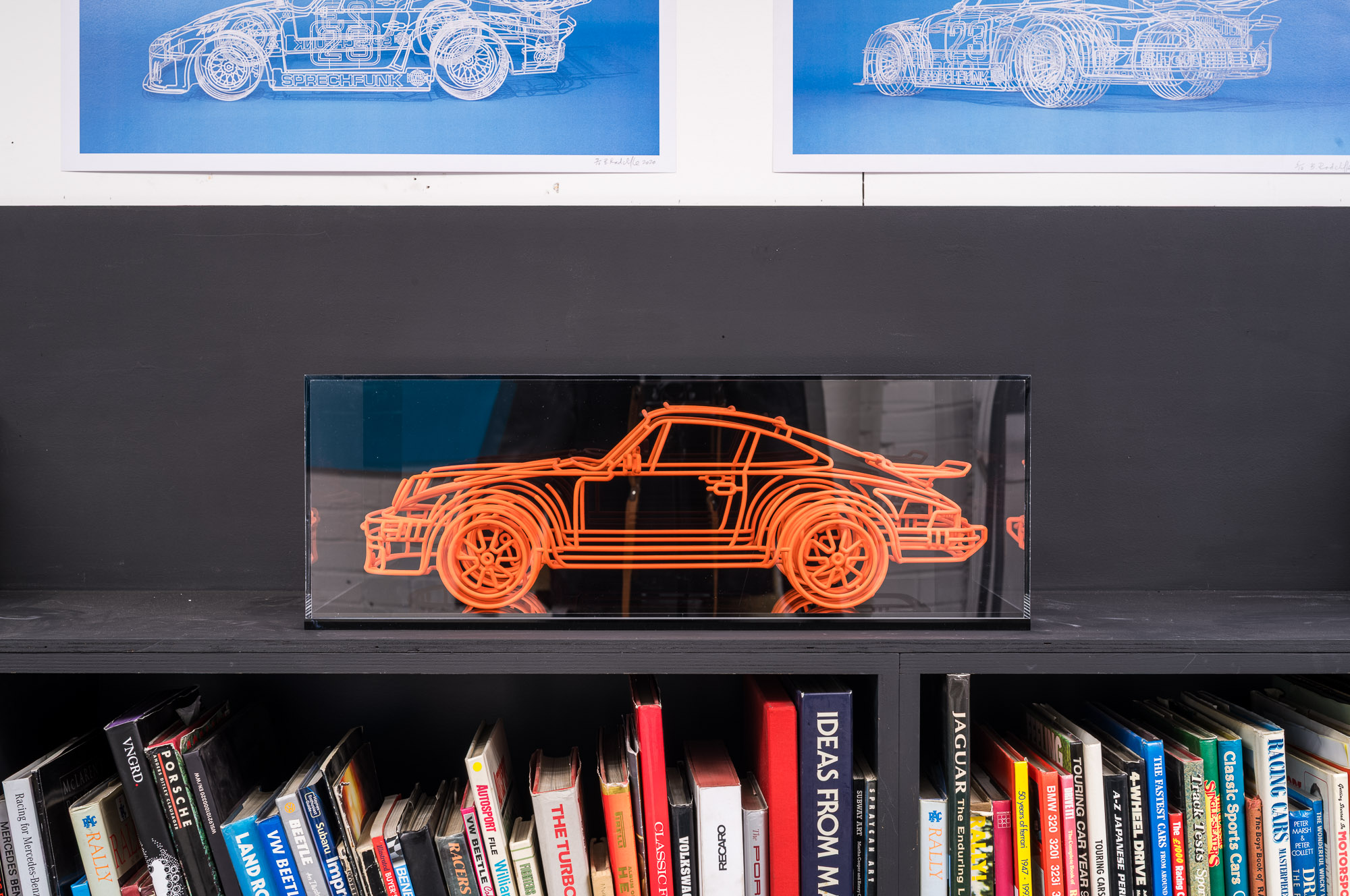 L1010823.jpg
The idea
A space for your whole studio
Good work passes through many hands, and more tools than it used to. From photos, raw and graded, to film cuts, audio and documents galore, to the push and pull along the way, comments, versions, who said what, when, sharing to the client — extra-private if you choose — and the word that the work landed, proper cloud storage is the lifeblood of your studio.
And Spaces brings it all together, in a refreshingly clear and simple interface that makes managing files something to relish. Open a file and follow the thread — comments, versions, snappy cards that summarise content straight from your docs, records of activity and recent news, what the shares are doing and whether they were scoped to a single person or wider access. It’s the same library you already have, kept somewhere you would happily spend your afternoon.
Find
Search with real memory
What was it called? Ask the app with what you can remember and search reaches into what was in the frame, where it was taken and when, the camera and the lens, rather than the exact filename typed, in haste, into a tiny grey box. It forgives you, every time, for not recalling whether the shot was filed under Hoxton, or Q3-launch, or final-final-v3.
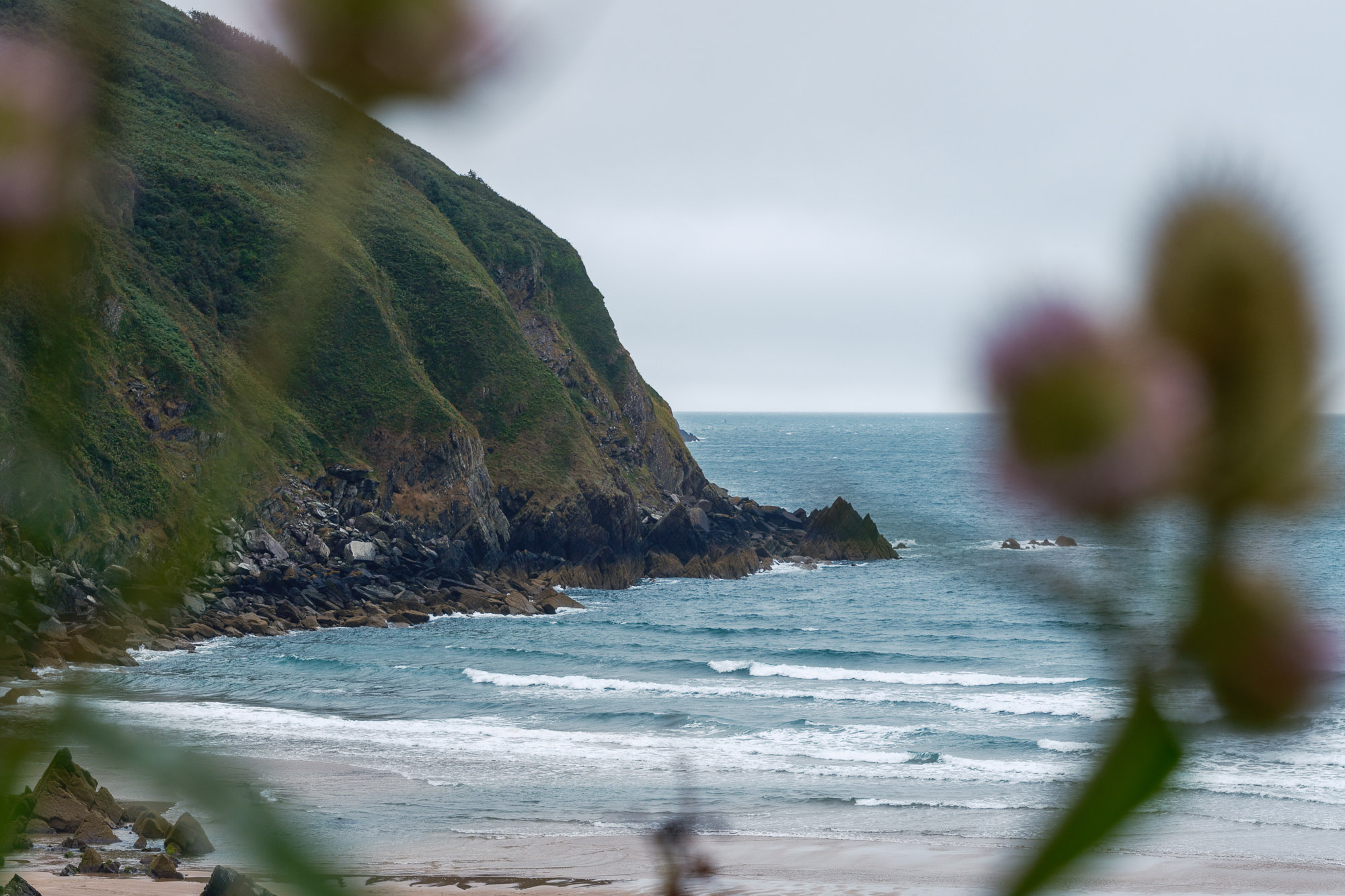 DSCF2894.jpgTideline · Photos · 8.4 MBSony · 55mm
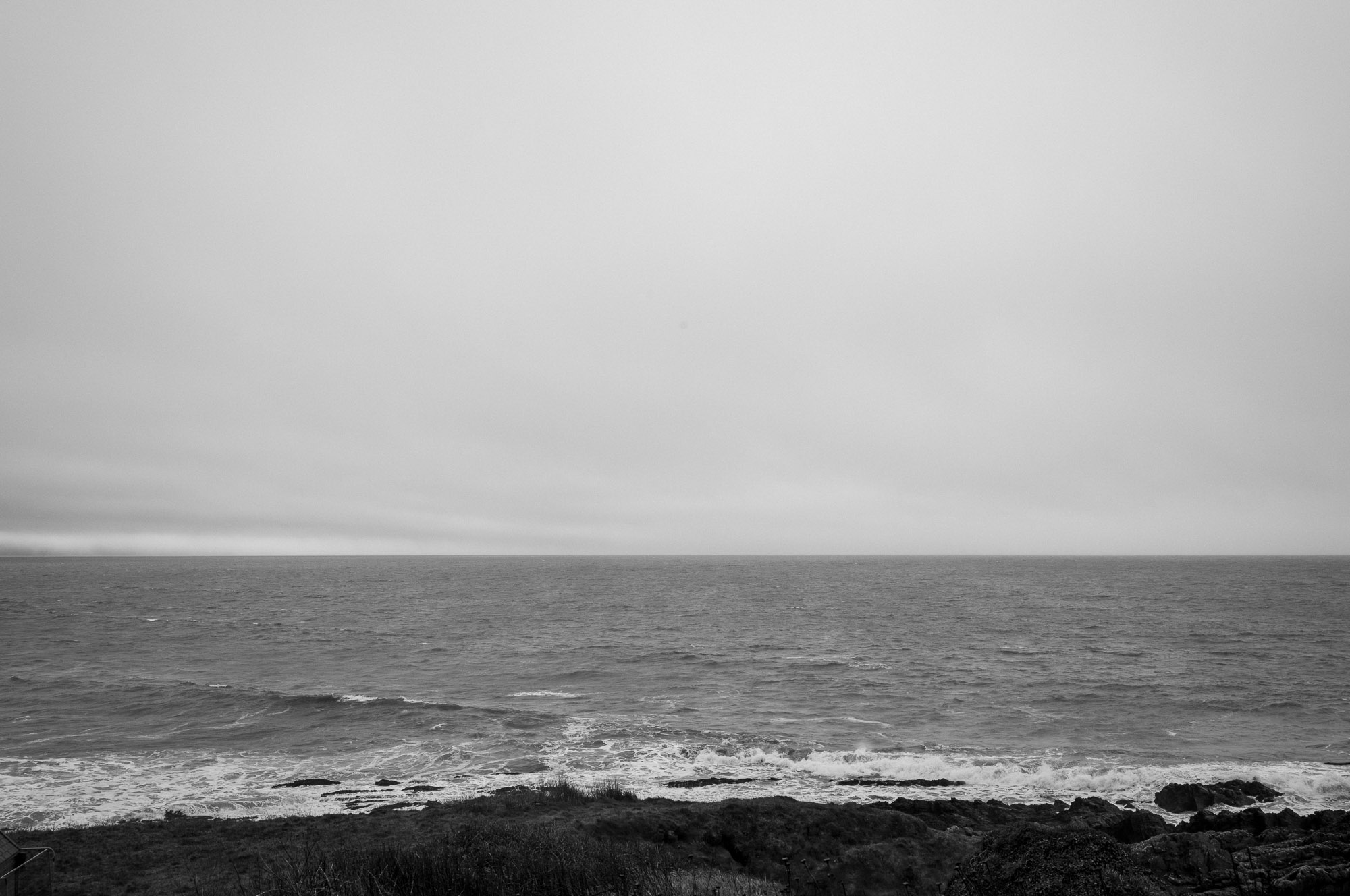 L1006060.jpgTideline · Scout · 6.1 MBCroyde, Devon
- tideline_lineup_v3.movTideline · Film · 1.1 GBFilm
Review
Watch the cut, leave a note on the frame.
Settle in and watch the first rushes, then stop, write a note and restart. Comments weld themselves to the moment, so a note at forty-four seconds stays at forty-four seconds; versions sit side by side, so a fix is a fix and not a fresh argument; and when something is addressed it’s marked resolved, so the conversation moves forward. No exports, no third window, no chasing the thread across three apps.
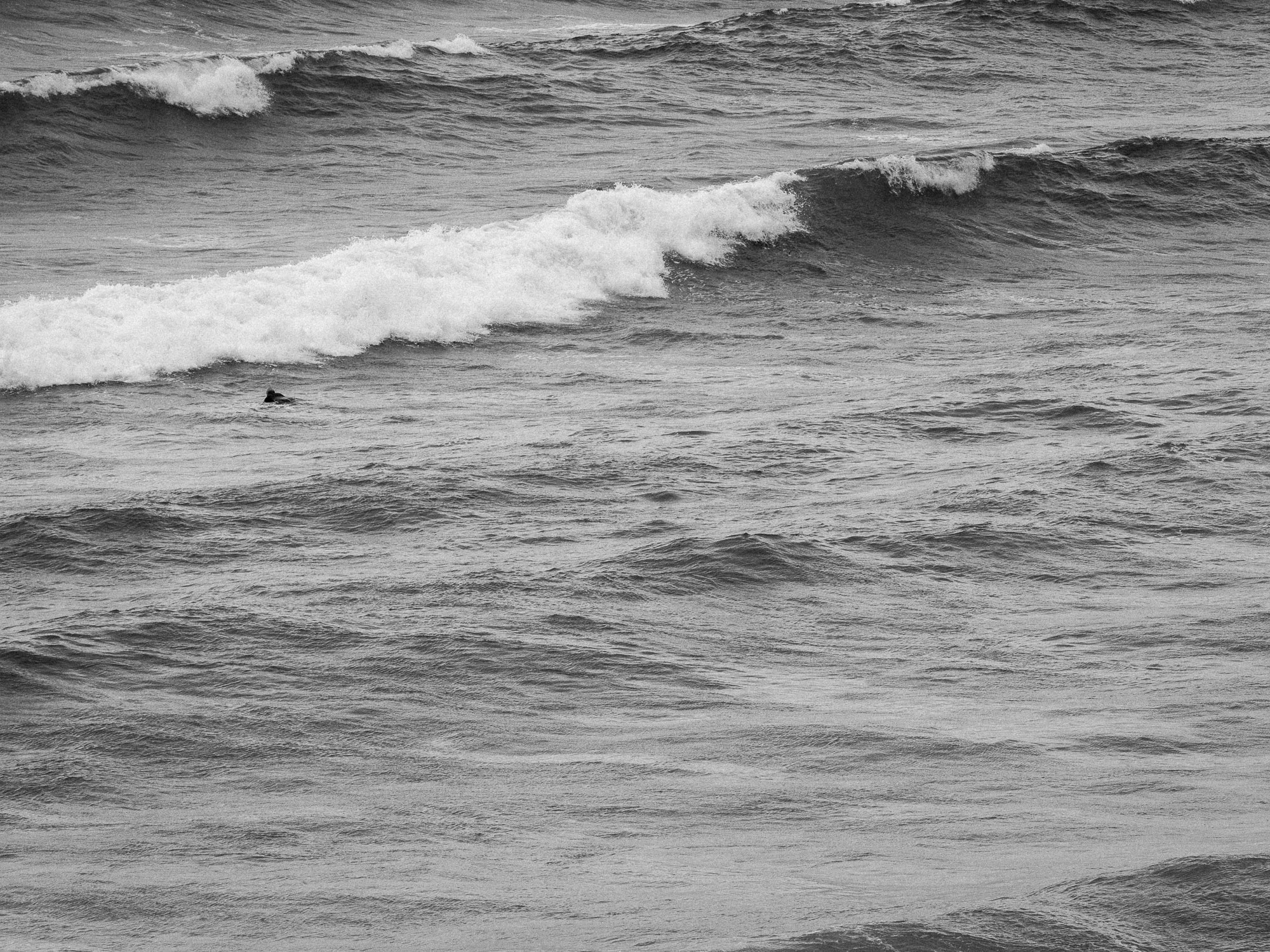 v2
v2- 0:11Cal the water’s reading a little green here — can we push it bluer?
- 0:31You cooled the water, new cut uploaded Resolved
- 0:44Mara love this one peeling off the point — can we hold it half a second longer?
For creators
Made for every moment, and every medium
A photograph, a cut and a mix each ask something a little different of a review, so we set the whole of it out in one place, craft by craft: notes pinned to a spot on the shot, a comment welded to the second of the cut, and the mix heard in full, at proper fidelity, with drag-to-loop and even the option to add a take on top.
Decide
Settle the shortlist without drawing straws
Drop the contenders in front of the team and let everyone vote without seeing who picked what, so the room’s real preference surfaces instead of the loudest one. When the picks are in, the winners can be tagged, gathered into their own folder, and sent on — the decision made, and a record of how it was made kept with it.
4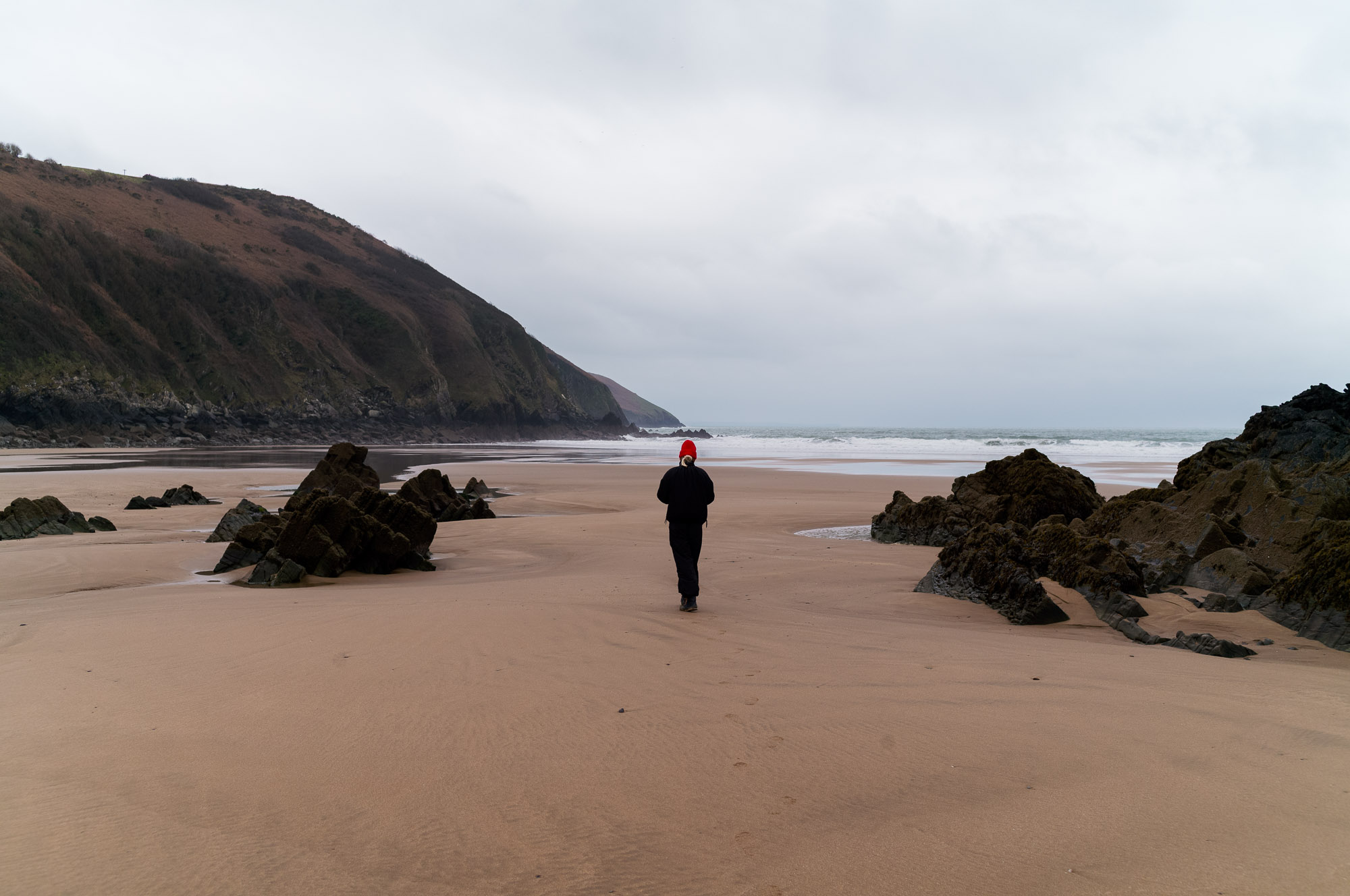 1
1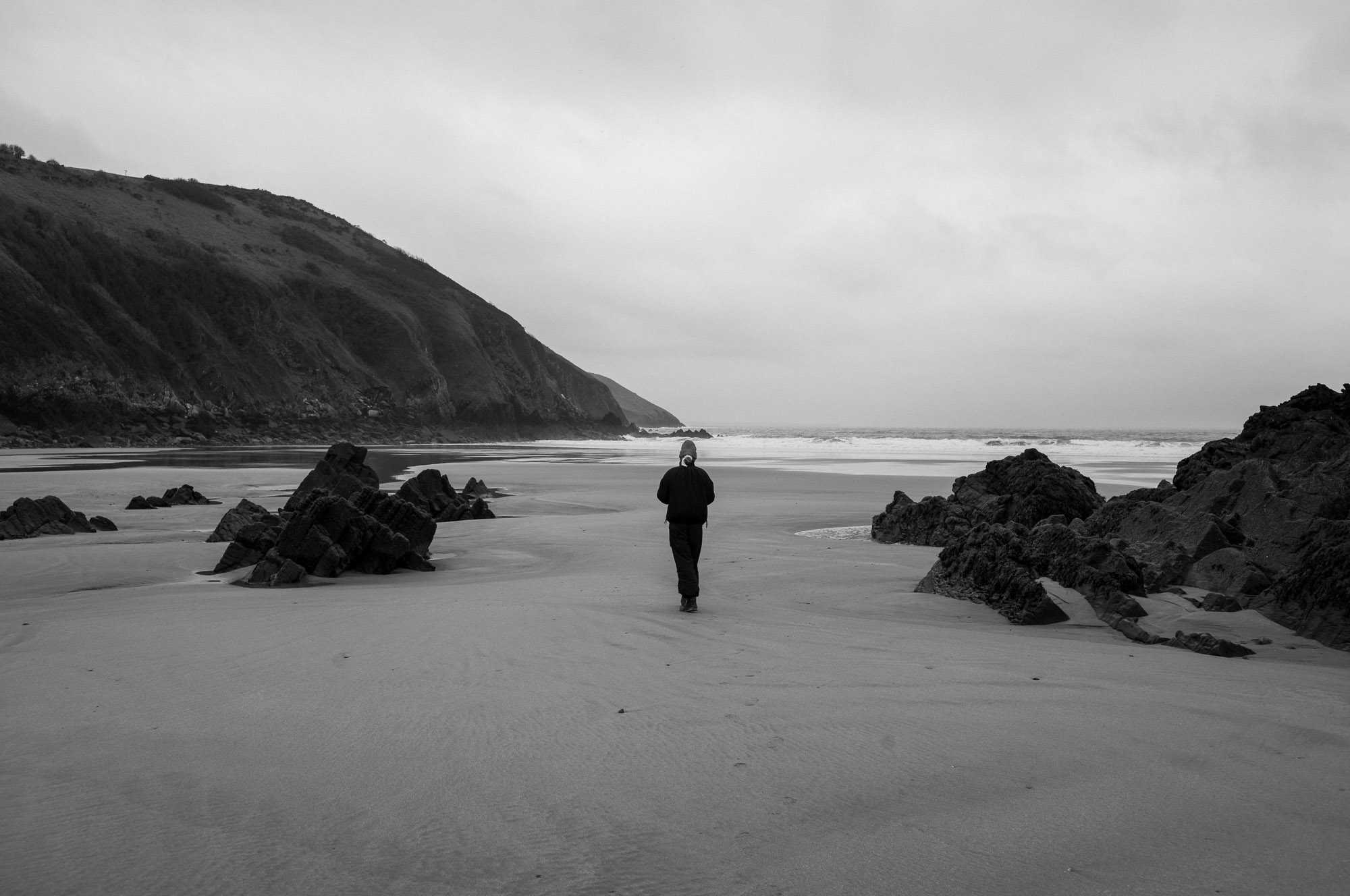 30
30 2
2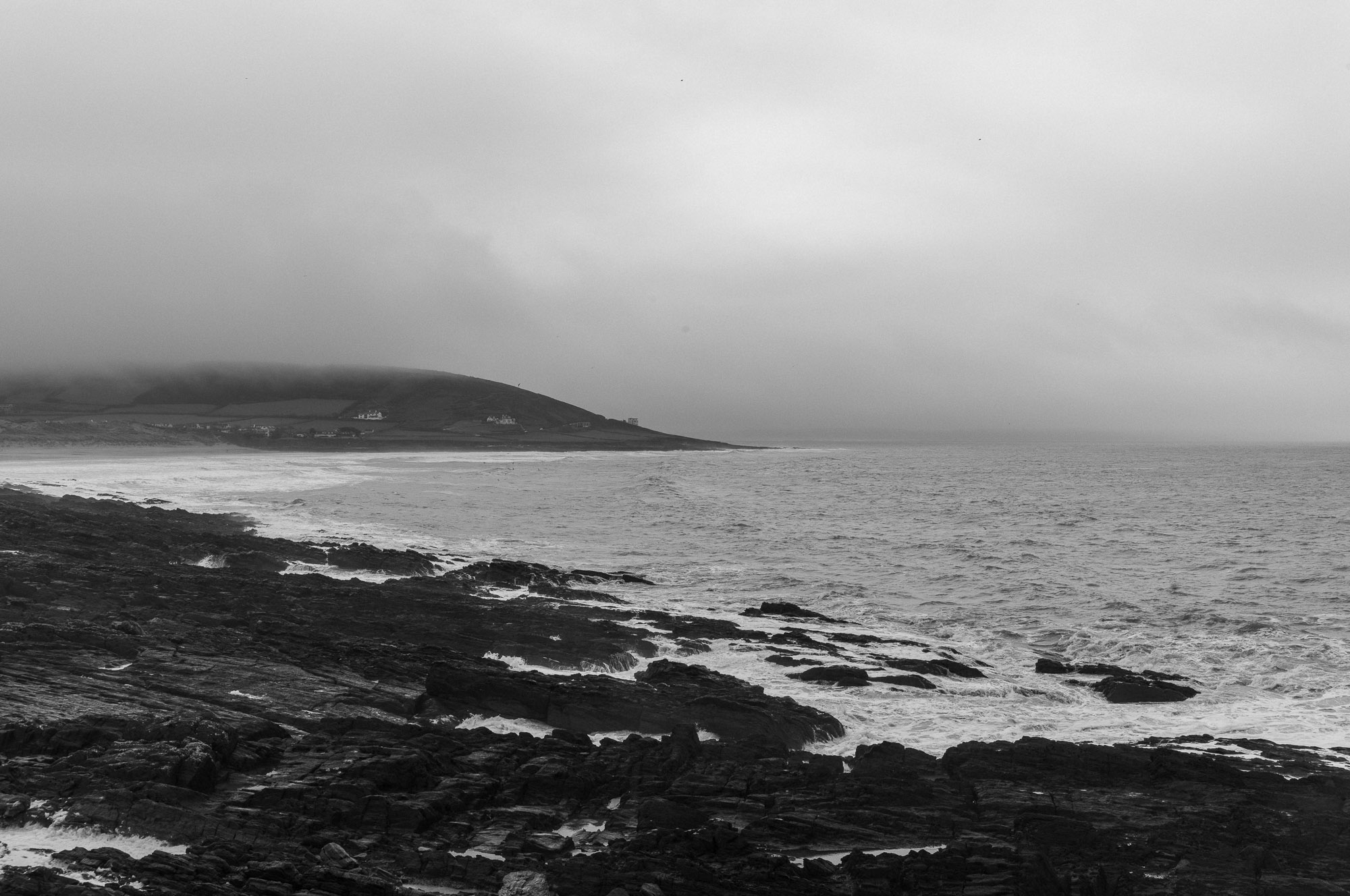 5
5Upkeep
A fresh look at what’s what
A library with a long length of service carries a certain amount of weight it no longer needs: duplicated files, orphaned files, and more funny characters than a Peter Sellers film. Tidy surfaces the random repeats and the long-untouched, and tells you how much space sits behind them — and then it stops, and lets you decide what to do about it.
Nothing is deleted — just a clear view of what you could clear. 4.3 GB to reclaim.
- DuplicateL1010785.jpg3 exact copies · 27 MB
- Staleold_grade_v1.mov1.2 GB · never opened
- Stalebrand-guidelines-2023.pdfuploaded 14 months ago
Send
Send a link and see it land
A share is a clean, branded page a client can browse and download without an account, a login, or a moment’s confusion. And because the worst feeling in the work is silence — did it arrive, did they open it, did the email even reach them — the link keeps its own quiet record: how many times it was opened, whether the files were taken, and a gentle nudge the very first time someone reaches it.
- Fettle — Spring Rangeopened 2h ago12 opens5 downloads3 recipients
- Director’s cut — v2not opened yet0 opens0 downloads1 recipient
On your desk
It lives in Finder, alongside everything else you work with.
The native Mac app puts the whole library in Finder, the way a drive used to be, except it doesn’t take liberties: files are there to open the instant you want them and absent until then, so a laptop holds a terabyte of work without a terabyte on the disk. Drag, drop, rename and right-click to share, exactly as you already do — the app simply keeps the library in sync underneath.
From your editor
It starts where you edit, in Lightroom and Capture One.
Before the browser, the work begins in the editor, at the end of a long cull, when the selects are finally chosen. And Spaces is right there, in your editing app: connect Lightroom Classic or Capture One once, and your finished frames go straight from the export dialog into an Area, at full resolution, subfolders intact, with nothing to drag to a folder and nothing to upload a second time. By the time the export has finished, the shoot is already in Spaces, catalogued and ready to share.
Yours
Private where it needs to be, accountable everywhere, and never locked in.
Permissions follow how studios delegate: clients see what they were sent, freelancers see what they were brought on for, account leads see everything, and an area can be sealed to its owner alone when the work is not for the room. Every move, share and deletion leaves a trail you can read back; anything deleted is recoverable for thirty days; and if you ever decide to leave, your files come out cleanly, in formats other tools can read. It is your work — we are only keeping it somewhere better.
0
bytes copied when you move a 20 GB folder.
Dragging a shoot into another Area used to copy every frame and every thumbnail, then delete the originals. That was minutes of waiting, with the folder looking wrong the whole time it ran. Now the move changes a name and nothing else, so it finishes the moment you let go, whether the folder holds one contract or a finished feature.
Try it for a fortnight.
Fourteen days, no card. Sign up with an email, claim a subdomain you can rename later, and put one project’s files inside. If it does not feel better than what you are using now, leave; we will not chase you, and your data exports cleanly on the way out.